


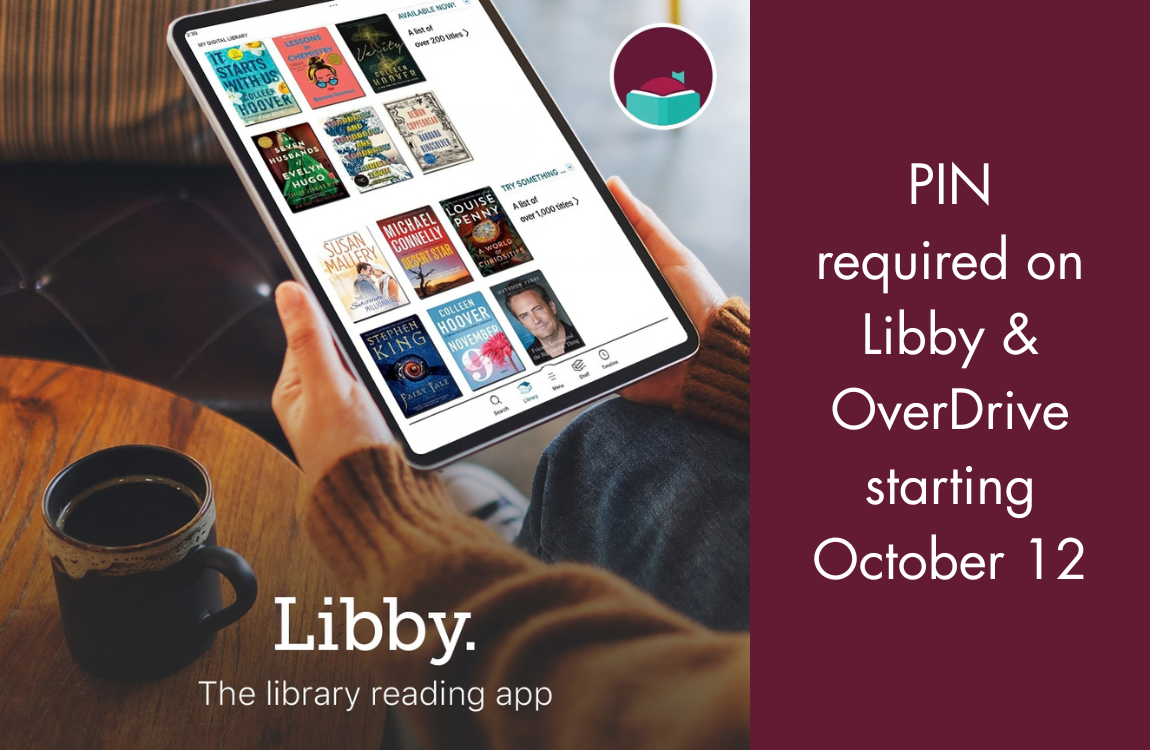
In order to provide more secure access to HEPL digital materials, beginning on October 12, 2026, OverDrive will require you to enter your PIN/Password in addition to your library card number when logging into Libby or HEPL’s OverDrive website. If you are currently logged into Libby or the website, you may be logged out and asked to reverify your card.
Your PIN/Password is the same one you use to log into the HEPL app or your account in the library catalog.
Your default PIN is set to your 4-digit birth year.
What if I can’t log in with my default PIN?
- Go to the HEPL online catalog
- Select Sign In at the top right of the screen
- Select Reset My PIN/Password
- Provide your library card number and the email associated with your account, then select Reset My PIN
You’ll receive an email with a recovery link. Follow the instructions in the email to reset your PIN/Password.
If you do not have an email address on file with the library or if you need hands-on assistance, please contact us and staff will reset your PIN for you. Please note staff are unable to view current PINs.